⚠️Google Calendar Changes Part II
If you've been experience issues with calendar links not opening or updating consistently in Google Calendar, you're not alone. Recent changes to Google Calendar's default functionality have made the traditional link-based approach unreliable.
Switch To Google Connect
Good news—Google Connect (included with Stanza+) offers a more reliable way to manage your calendar events. Instead of relying on links, we use Google Calendar's official API to push and update events directly to your calendar. This is Google's preferred method and ensures a seamless experience.
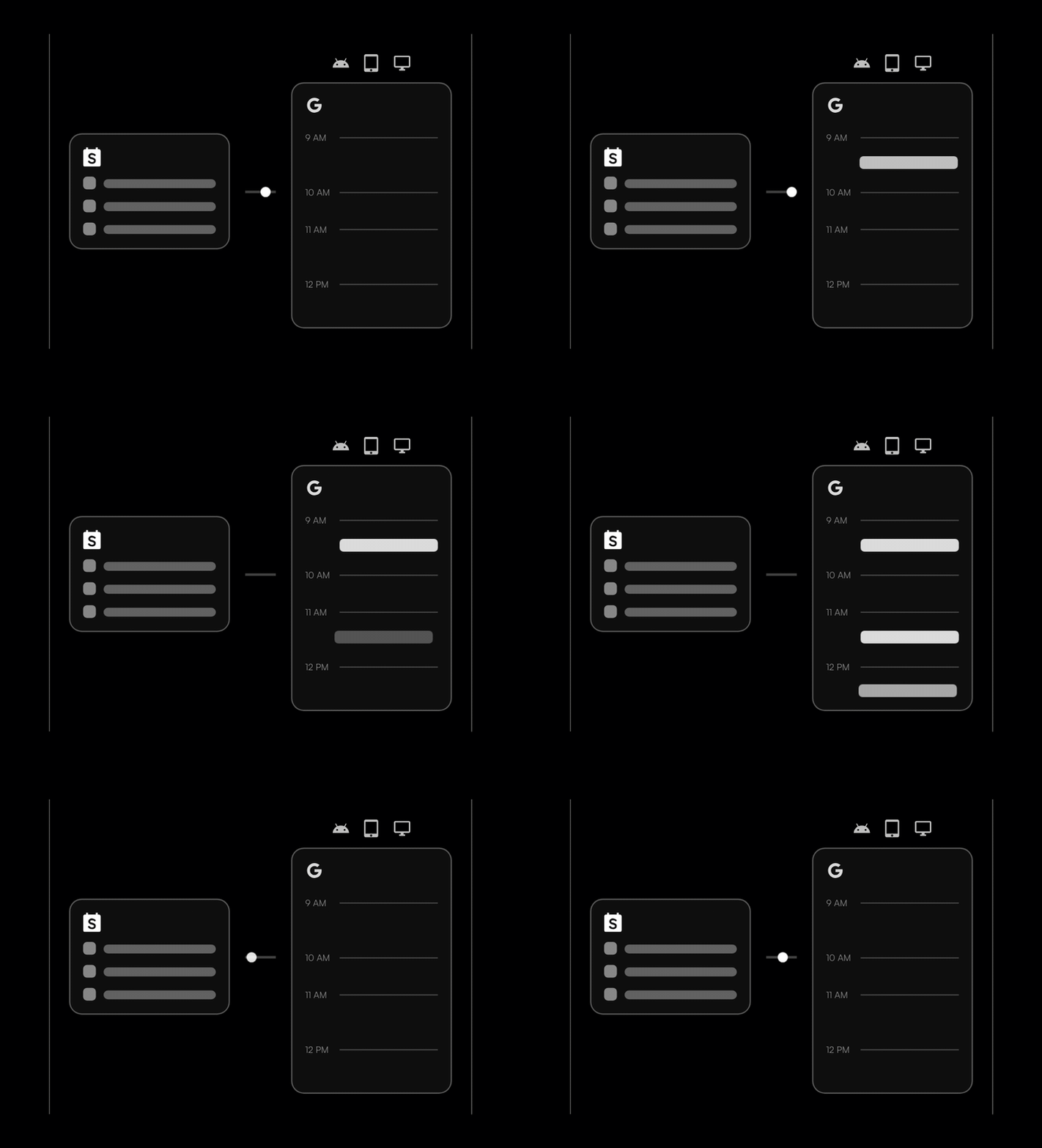
What's New
Since launch, Google Connect has picked up three big upgrades:
- No more duplicates. If you subscribed using links and later switched on Google Connect, you used to end up with two copies of the same calendar. That is fixed. Your calendars now live in one place, under "My calendars" in Google Calendar, actively managed by Google Connect.
- Your sync status, at a glance. The side menu now shows the health of your connection and when your calendars were last updated, so you never have to wonder whether you have the latest schedule.
- Turn it off (and back on) yourself. You can now disconnect Google Connect right from the side menu and switch back to classic link subscriptions whenever you want. No emailing support.
Get the most out of Google Connect by becoming a Stanza+ member today.
Key Benefits:
- Events pushed directly to your Google Calendar as schedules change
- One clean set of calendars under "My calendars", no duplicates
- Sync status and last-updated time right in the side menu
- Force refresh for instant updates
- On or off anytime, no support needed
On Stanza, anyone can create, discover and share event calendars. Getting started is easy. Find a calendar to subscribe to today.
Member discussion